
The person
Start with one established minor character.
A familiar face. A changed life. A reason to return.
Bring a familiar person back with remembered history, changed circumstances and a reason to return.

Someone the party really met
Bring back one familiar person while leaving the next relationship open.
Start with one established minor character.
Keep what happened with the party before.
Explore elapsed time and changed circumstances.
Give them a reason to be here now.

Give the familiar person a present purpose
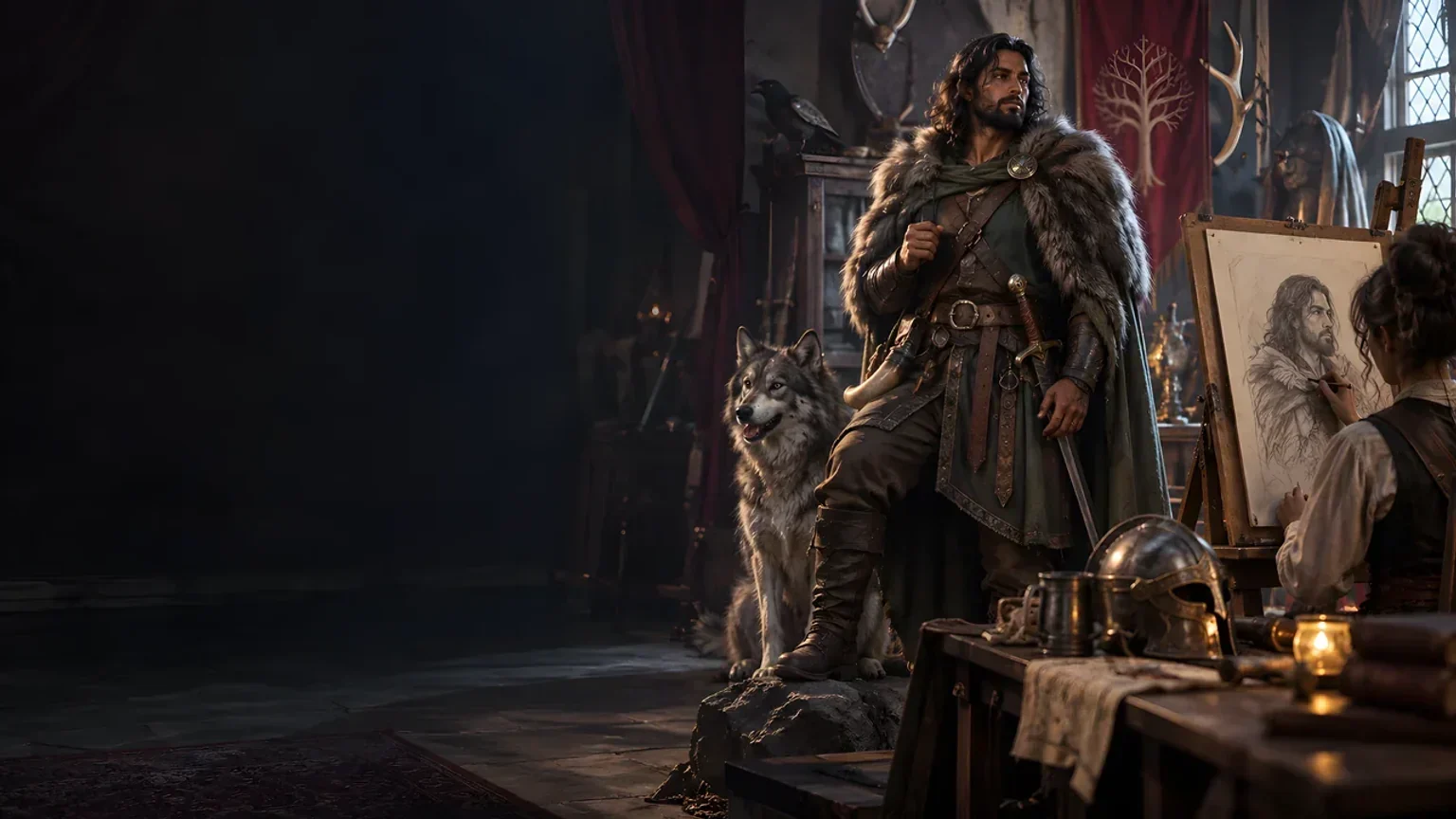
The illustration represents a returning character, not an application screenshot.
Use the known character, earlier interaction, player impact, elapsed time and current scene.
Add protected facts, memory limits, changed circumstances, present motive and private context.
From an earlier meeting to a present return
Build on the history your party actually shares.
Describe the previous interaction and player impact.
Add elapsed time, current scene and protected facts.
Choose form, memory tone, change scale and attitude.
Check recognition, memory limits and present purpose.
The returning character workspace
Prepare one familiar person’s return without deciding the longer relationship.
Begin with someone the party genuinely met before.
Keep the earlier meeting and player impact in view.
Review the cue against what the party actually remembers.
Explore memory limits, changed circumstances and familiar facts.
Give the return a motive, resources and limits.
Prepare an arrival beat, attitude and optional dialogue.
Edit, reroll sections and revisit saved versions.
Copy, download JSON or print the selected DM or player view.
Quick foundation and deeper context
Use the details that make this familiar person believable.
Use character, interaction, impact, time, scene and protected facts.
Add what is known about the person.
Add motive, resources and limits.
Quick mode retains Deep details already entered.
Refine a return worth keeping
Check recognition and arrival against the established past.
Refine the structured result and undo recent changes.
Replace profile and memory, life change, arrival or guidance separately.
Locks apply to rerolls rather than full generation.
Organise saved versions with titles, tags and notes.

A familiar return ready for the table
Check the recognition cue against what the party actually remembers and the arrival you plan to use.
Review memory limits, what changed, what remained familiar and why the character is here now.
Select and review the DM or player view, current scene, private material and direct edits before sharing.
A bounded return with open possibilities
Keep the players’ response and longer-term relationship open.
Begin with someone the party genuinely met.
Check suggested recognition, memory and arrival against the real history.
Review private material, current scene and the selected view before sharing.
No automatic companion, forced quest, combat or Combat Pro handoff.
Generator access and pricing
Choose access for this selected generator or an eligible pack.
Review current standalone access and pricing.
Check whether a current pack includes this generator.
Use your account to review premium product access.
Create a free VISINVOKE account; premium access remains separate.
VISINVOKE means value
Bring a known person, shared history, changed life and present purpose together.

Keep the earlier interaction and player impact in view.
Explore what changed and what remained familiar.
Keep titled returns with tags, notes and earlier versions.
Leave companionship and every longer relationship undecided.
Explore your VISINVOKE workspace
Each card opens its own product website. Review purpose and access separately; related products do not promise included access or automatic synchronisation.

Open your VISINVOKE desktop products.

Prepare a live exchange after an established social mistake.

Build the wider setting around your campaign.

Develop the places your party travels through.

Explore separate adventure environments.
Explore separate fantasy image creation.
Product artwork is illustrative, not application screens or actual generated image output.
Quick answers
Understand known history, memory limits, saved returns, audience review and desktop access.
Bring one established minor character back after time has passed. Use the earlier interaction, player impact, elapsed time, current scene and facts that must remain true. Review what they remember, how life changed, what stayed familiar and why they return now.
Describe the known character and earlier interaction, then choose return form, memory tone, scale of life change and current attitude. Add known traits, past and present circumstances, knowledge, motive, resources, protected facts and private context when useful.
Keep your original account alongside suggestions for the return. Check the recognition cue against what the party actually remembers and against the arrival you plan to use. Review memory accuracy and limits, the changed and familiar details, present motive, resources, dialogue and arrival before play.
Edit the structured return, undo recent changes or reroll its profile and memory, life change, arrival or table guidance separately. Locks apply to rerolls, not full generation. Save to your signed-in VISINVOKE account with a title, tags and notes. Search, rename, duplicate or delete saved returns and revisit up to twelve previous versions. Opening a save restores its result and locks rather than refilling the input form.
Copy, download as JSON or print the selected Dungeon Master or player view. The player view includes the recognition cue, arrival, attitude, dialogue, player moment and current scene description. Review the selected view, private material, source history and spoilers before sharing; compare direct edits with the separate player view. There is no file import.
No. Companionship, quests, consequences, crowds, combat and every longer-term relationship remain undecided. It does not create a new character, reconstruct a forgotten identity, change the Player Decision Log, generate a generic callback or wider consequence chain, force companionship or start combat. It sends nothing to Combat Pro. Open it from the Generators collection in Desktop Command Centre and review current account access for this generator or an eligible pack.
Continue in VISINVOKE
Create a free VISINVOKE account and review current generator access.
Use your account installer page for Desktop Command Centre.
Open Remember Me? Generator from the Generators collection.